
















Skip to technology filters Skip to main content
Dynatrace Hub

Extend the platform,
empower your team.

Popular searches:
Home hero bg
Configuration as CodeConfiguration as Code
Configuration as Code

Configuration as Code

Manage observability and security configurations as code via Terraform or Monaco.

Technology
Free trialDocumentation
Set up Open Pipeline configurations via TerraformAutomate the service monitoring configuration via Monaco CLI
  • Product information

Overview

Configuration-as-Code represents an approach to managing software and application configuration data, including observability and security systems.

In a nutshell, it allows you to configure Dynatrace declaratively without the need to setup everything in the UI.

A Configuration as Code self-service model allows development teams to set up monitoring, observability, and security policies quickly and efficiently, even for large-scale applications. It eliminates the need to build custom solutions and reduces the manual work of observability teams.

The Dynatrace Configuration as Code approach allows you to manage your Dynatrace environment observability tasks through configuration files instead of a graphical user interface.

Use cases

Manage any Dynatrace configuration side-by-side with any source code, from within YAML files organized in Git repositories. For example:

  • release validation
  • AWS well architected framework pillars
  • IAM resources
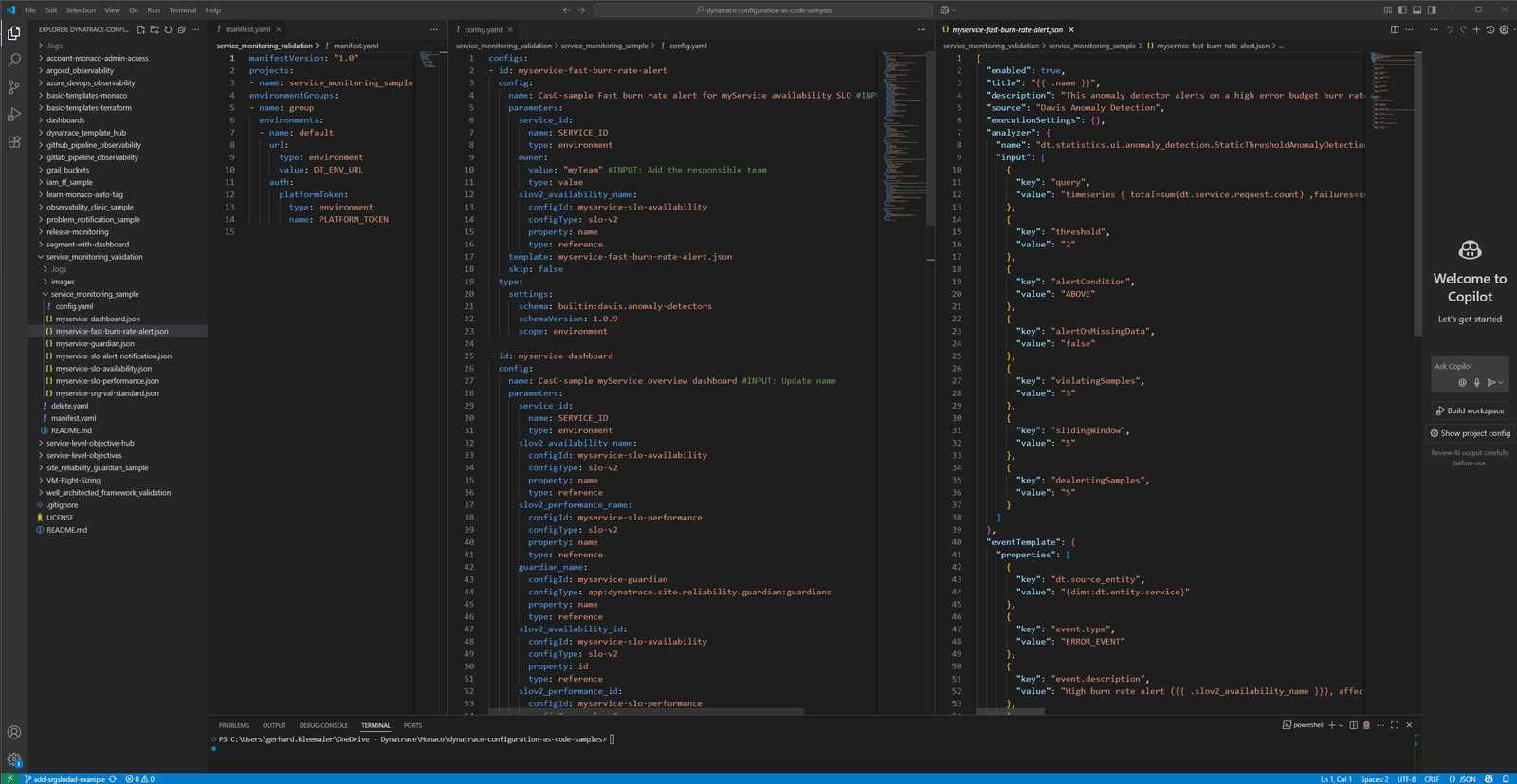
  • service monitoring / service onboarding
  • SLO dashboards
  • Remediation and problem notification automations

Get started

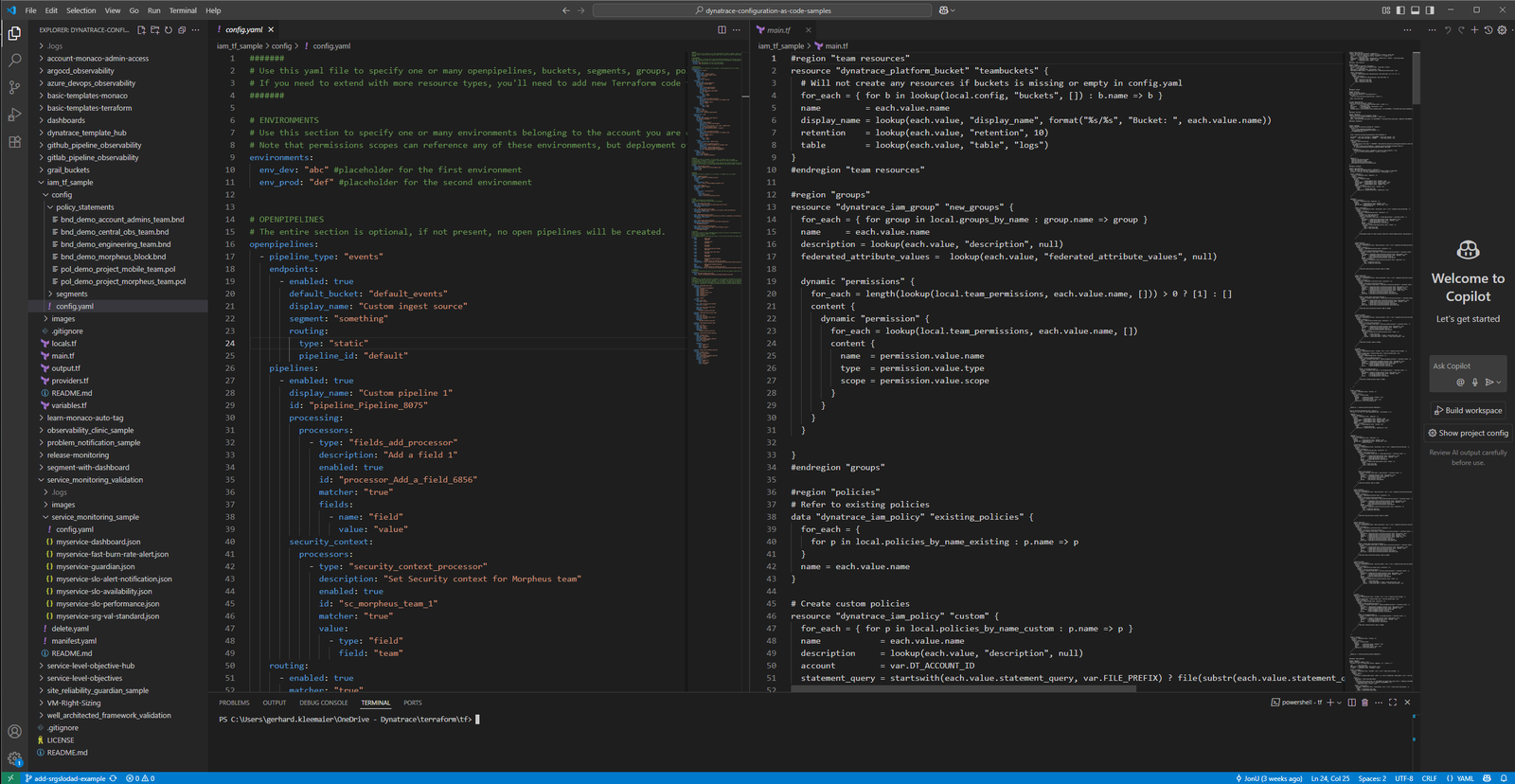
  • Checkout the documentation and follow the getting started guides for the Dynatrace Terraform Provider or Monaco CLI
  • Visit the GitHub Configuration as Code Sample repository and download blueprints for various use cases

Details

Configuration as Code supports DevOps best practice for automation, giving developers a more active role with GitOps as an operational framework. GitOps automates the provisioning of infrastructure and applications using files maintained in Git, an open source control system that provides the change processes, including reviews and approvals.

Key components of GitOps are declarative configuration as code, orchestration of changes including reviews and approvals, and audibility.

Dynatrace
DocumentationMore Information
By Dynatrace
Dynatrace support center
Copy to clipboard
Dynatrace Hub
Hub HomeGet data into DynatraceBuild your own app
Dynatrace Intelligence - Agentic Operations SystemThe Dynatrace Agentic AI ecosystem
All (914)Log Management and AnalyticsKubernetesAI and LLM ObservabilityInfrastructure ObservabilityApplication ObservabilityApplication SecurityBusiness ObservabilityDigital Experience
Filter
Type
Built and maintained by
Deployment model
SaaS
  • SaaS
  • Managed
Partner FinderBecome a partnerDynatrace Developer

Software Delivery

Empower DevOps platform engineers, SREs, and development teams to deliver higher quality software, faster, and more securely.

Popular integrations

See more (1)
GitHub logo

GitHub

Automate GitHub issues, pull requests, and workflows from Dynatrace.

Jira logo

Jira

Open, update, and close Jira tickets automatically from Dynatrace Workflows.

Jenkins logo

Jenkins

Trigger Jenkins builds and monitor job status from Dynatrace Workflows.

GitLab logo

GitLab

Amend files in GitLab repositories, trigger pipelines, and manage issues.

Slack logo

Slack

Automate Slack messaging for security incidents, attacks, remediation, and more.

ServiceNow logo

ServiceNow

Create and manage ServiceNow incidents from Dynatrace Workflows.

More options

Workflows logo

Workflows

Automate tasks in your IT landscape and move towards autonomous operations.

Keptn logo

Keptn

Event-based control plane for continuous delivery and automated operations.

Configuration as Code logo

Configuration as Code

Manage observability and security configurations as code via Terraform or Monaco.

Site Reliability Guardian logo

Site Reliability Guardian

SRG: Automated change impact analysis for your deployment and release processes.

Service-Level Objectives logo

Service-Level Objectives

Manage SLOs and error budgets to ensure service performance and reliability SLAs.

More resources

AWS Connector logo

AWS Connector

Automate your AWS infrastructure with actions across EC2, S3, Lambda, and more.

Claude Connector for Workflows logo

Claude Connector for Workflows

Connect with Claude and send prompts for further analysis using Workflows.

CI/CD Observability logo

CI/CD Observability

Monitor CI/CD pipelines such as Azure Devops, Gitlab, Github and more.

Observability for Developers on Cursor logo

Observability for Developers on Cursor

Get Real time Code-Level data directly to your Cursor IDE.

Email logo

Email

Send out-of-the-box targeted Emails with workflows.

Gemini Connector for Workflows logo

Gemini Connector for Workflows

Connect with Gemini and send prompts for further analysis using Workflows.

GitHub Copilot Coding Agent logo

GitHub Copilot Coding Agent

Automate vulnerability remediation and boost developer productivity.

GitHub Copilot Custom Agent logo

GitHub Copilot Custom Agent

Automate your development workflows with specialized agent definitions.

Observability for Developer on JetBrains logo

Observability for Developer on JetBrains

Get real-time code-level data directly to your Jetbrains IDE.

Kubernetes Connector logo

Kubernetes Connector

Automate your Kubernetes clusters: Delete failed pods and restart deployments.

Microsoft 365 logo

Microsoft 365

Send targeted emails from workflows using your Microsoft 365 account.

OpenAI Connector for Workflows logo

OpenAI Connector for Workflows

Connect with OpenAI and send prompts for further analysis using Workflows.

Ownership logo

Ownership

Enables the import of and access to ownership information of entities.

Pagerduty for Dynatrace Workflows logo

Pagerduty for Dynatrace Workflows

Streamline incident management with automated Pageruty workflows.

Red Hat Ansible logo

Red Hat Ansible

Integrate with Red Hat Ansible (EDA, AAC, AWX) to trigger job templates.

Snowflake for Workflows logo

Snowflake for Workflows

Access, query, and store Snowflake data to analyze further within Dynatrace.

Observability for Developers on VSCode logo

Observability for Developers on VSCode

Get Real time Code-Level data directly to your VSCode IDE.

Cursor IDE logo

Cursor IDE

Boost developer productivity and get real-time, code-level insights into Cursor.

Observability for Developers on Windsurf logo

Observability for Developers on Windsurf

Get real-time code-level data directly to your Windsurf IDE.

Are you looking for something different?

We have hundreds of apps, extensions, and other technologies to customize your environment

Extend your knowledge

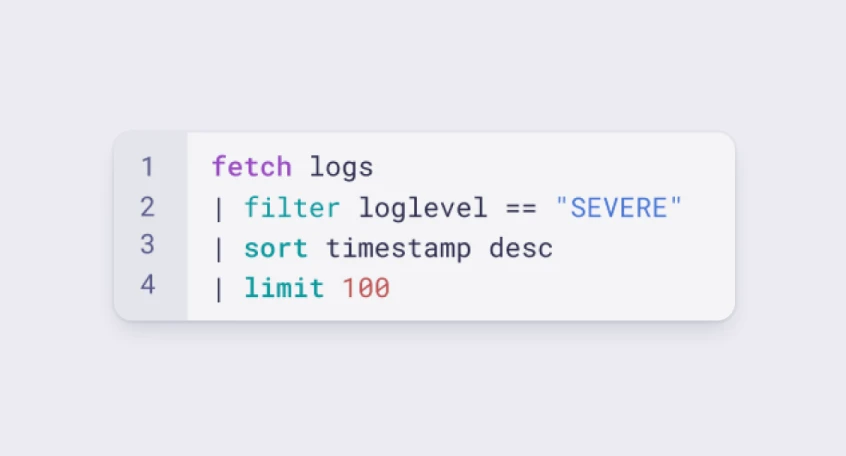
Learn the Dynatrace Query Language

Learn the Dynatrace Query Language

Explore data, discover patterns, anomalies and outliers, and create statistical modeling with DQL, our powerful query language.
Learn DQL
Solve problems with custom apps

Solve problems with custom apps

Dynatrace Developer makes it easy to create custom apps for your organisation. Start with one of our templates or use your own code.
Build apps